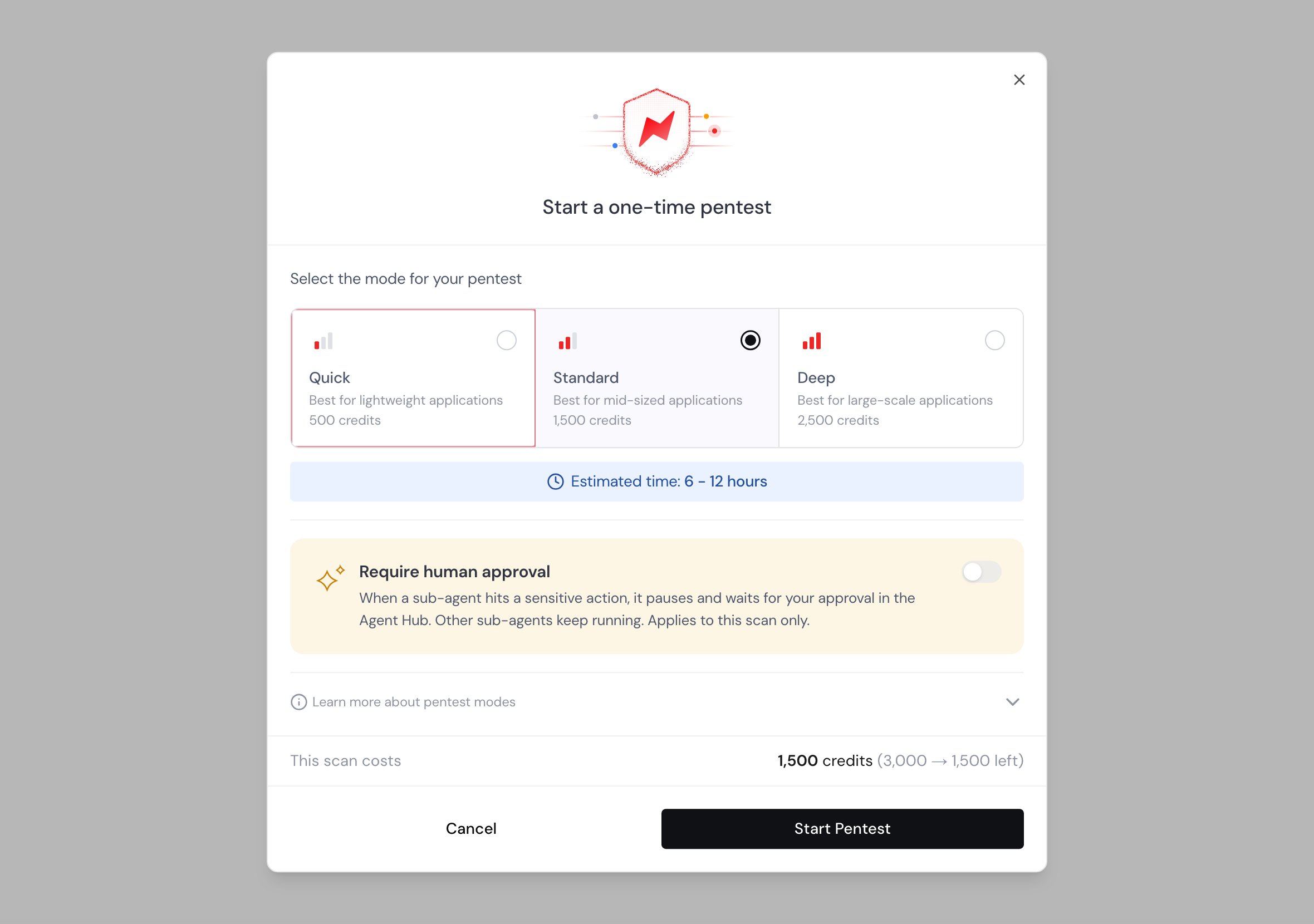
Price per mode
1
Quick (500 credits)
The cheapest mode, sized for small applications and quick checks.
2
Standard (1,500 credits)
The right default for most production apps, with broader coverage than Quick.
3
Deep (2,500 credits)
The most thorough mode, sized for large applications with complex workflows.
When credits move
- Starting a scan reserves its cost from your balance right away, so the balance always reflects work in flight.
- Finishing a scan spends the reserved credits.
- If a scan fails, the reserved credits are returned to your balance in full.
- Cancelling a scan before it produces findings also returns its credits.