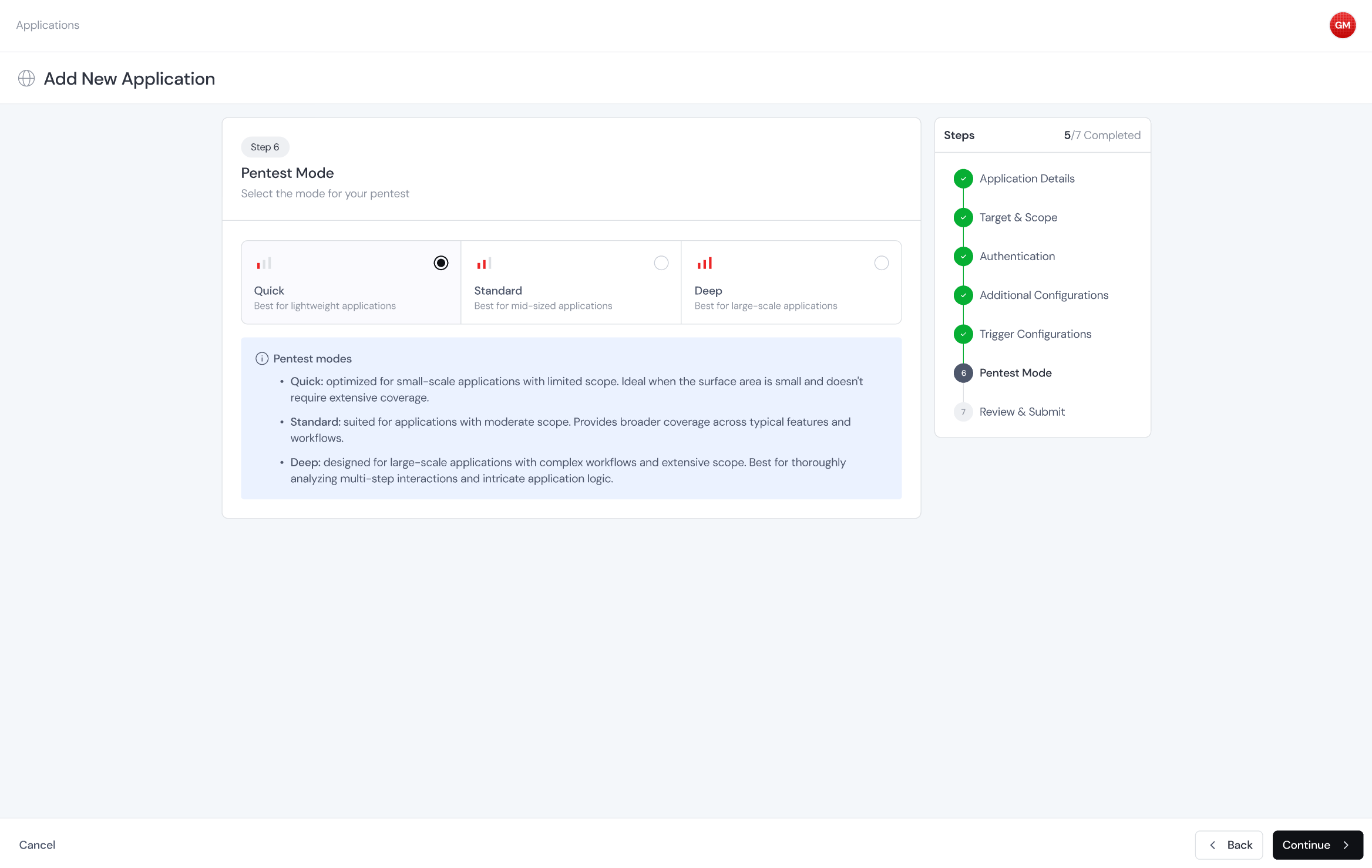
The three modes
1
Quick
Optimized for small-scale applications with limited scope. Ideal when the surface area is small and doesn’t require extensive coverage. Good fits include a small marketing site, a single API with a handful of endpoints, or a smoke test to verify your setup is wired up correctly.
2
Standard
Suited for applications with moderate scope. Provides broader coverage across typical features and workflows. This is the right default for most production apps. It exercises authentication flows, common vulnerability classes, and multi-step interactions, without the time investment that Deep requires.
3
Deep
Designed for large-scale applications with complex workflows and extensive scope. Best for thoroughly analyzing multi-step interactions and intricate application logic. Deep chains findings across endpoints, spends more runs on the parts of the app that take a while to tease apart, and tries harder exploitation techniques.